4.9/5
4.9/5  HotelTechReport - with +970 verified reviews

How many price quotes are currently open in your reservation center?
For most hotels, that question has no immediate answer. Conversations come in, they’re managed in a list with no stage context, and opportunities often slip away before the manager even notices.
It’s not a lack of effort from the team. It’s missing visibility.
LiveChat 3.0 is here to fix that.
The most comprehensive update to Asksuite’s LiveChat features Auto Kanban as its flagship: a new way to visualize and manage all your reservation center’s conversations in real time, automatically, without leaving the platform your team already uses.
What is Auto Kanban
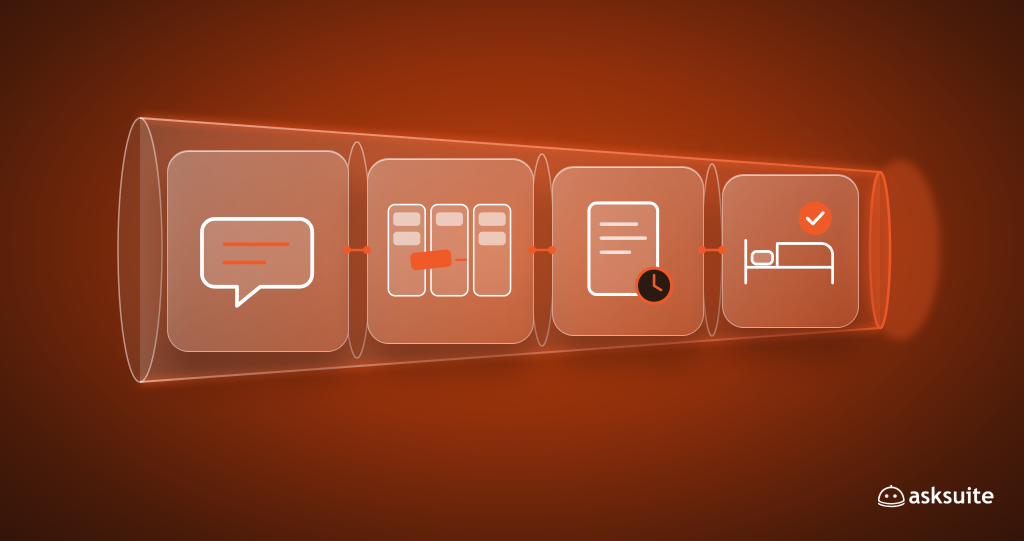
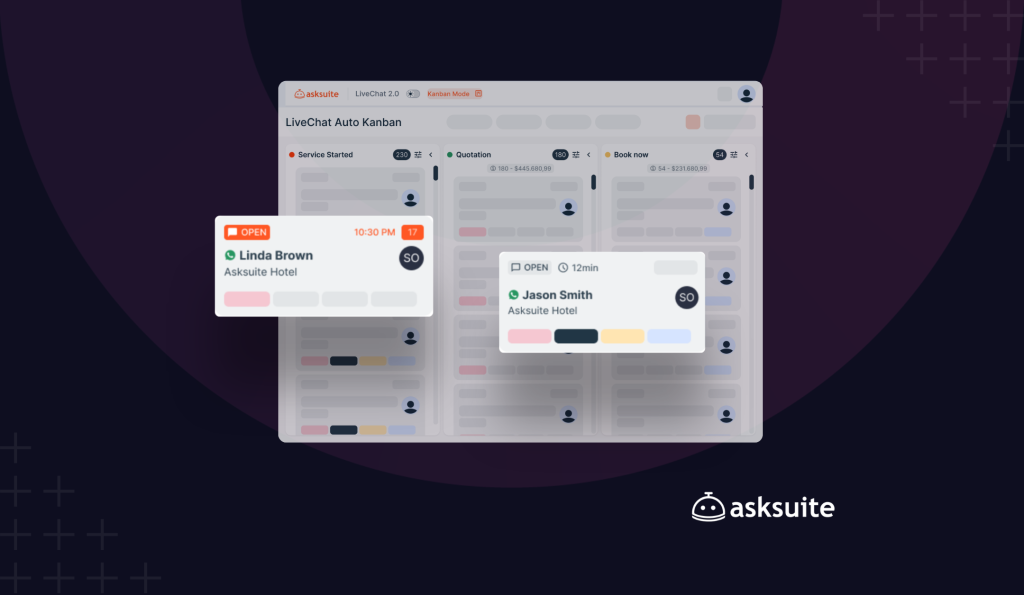
Auto Kanban is a native visualization in Asksuite’s LiveChat 3.0 that transforms the conversation list into a structured booking sales funnel organized by stages.
Each stage is defined by tags — assigned automatically by the system or created by the hotel itself. Conversation cards move on their own between columns as chats evolve, without any agent needing to organize anything manually.
With Auto Kanban active, your reservation center gains instant visibility into:
- How many proposals are open and what stage each one is at
- How long each guest has been waiting for a reply
- What needs attention right now — without opening a single conversation
The manager sees the true state of the reservation center at a glance. The team knows exactly what to do — no manual triage, no lost context.
Three pillars of the product
Auto Kanban delivers three core capabilities that define its value:
- Automated control: conversation cards advance through the pipeline automatically, based on interactions and tag assignments. The team does not need to manage the Kanban — the Kanban manages itself.
- Real-time visibility: all open proposals are visible by negotiation stage, with each guest’s wait time displayed on the screen. A view of the reservation funnel that did not previously exist.
- Full personalization: hotels can create custom pipelines with their own stages, tag combinations, and access rules. Kanban adapts to the reservation center, not the other way around.
How to activate Kanban Mode
Activating Auto Kanban is simple and requires no technical setup.
Step by Step
- Open the Live Chat module in the system
- Locate the “Kanban Mode” button at the top of the screen (in the center, next to the asksuite logo)
- Click the “Kanban Mode” toggle to activate Kanban visualization
- Kanban will open on the screen, showing conversations organized in columns
Kanban Mode already comes with a default funnel ready to use — no prior setup needed. Just activate and start using it.
Create your own booking funnel
The default Auto Kanban funnel already covers Asksuite’s native stages. But every reservation center has its own sales flow, and Auto Kanban was built to adapt to that.
With custom Kanbans, you can:
- Create stages with the names and logic of your own booking sales process
- Combine tags to define when a card enters each column
- Set up personal Kanbans (visible only to you) or team Kanbans (visible to all agents)
- Define column totals — such as number of open conversations, quote value, confirmed bookings, and more
One of the hotels that participated in the Auto Kanban beta created a funnel with 21 custom stages, separated by phase and color — from first contact all the way to invoice request — all running inside Asksuite’s live chat.
See the full step-by-step guide on how to create your own funnel → Help Center
What else came with LiveChat 3.0
Auto Kanban is the flagship feature of the update, but LiveChat 3.0 brings three more new features available to all clients at no additional cost:
Agent status selection
The agent sets whether they are Online or Paused directly in the platform. When paused, no chats are routed to them — preventing open queues with no coverage when someone is unavailable.
Simplified contact blocking
Blocking an unwanted contact is now done directly within the conversation, without accessing settings. More agility for the team, with no friction.
In-conversation keyword search
Locate any message within a chat history by keyword. Useful for resuming past negotiations, finding specific information, and continuing conversations without losing context.
How to access
LiveChat 3.0 is available now for all Asksuite clients, at no additional cost and with no technical setup required.
If you’re already an Asksuite client, Kanban Mode is available directly on the platform. Questions about activation? Visit the Help Center.
Not a client yet? Auto Kanban is just the beginning. Asksuite brings together AI automation, omnichannel communication, and now reservation pipeline management — everything your reservation center needs to convert more, with less effort.